Skills backed by someone who saw the work.
Ask a manager, tutor or client to back one job on your CV and the skills you used in it. They answer on a page ArcLucid sends them, with no account. Their answer is signed by ArcLucid and travels with your CV.
You ask, they answer
One job at a time, from the job on your CV.
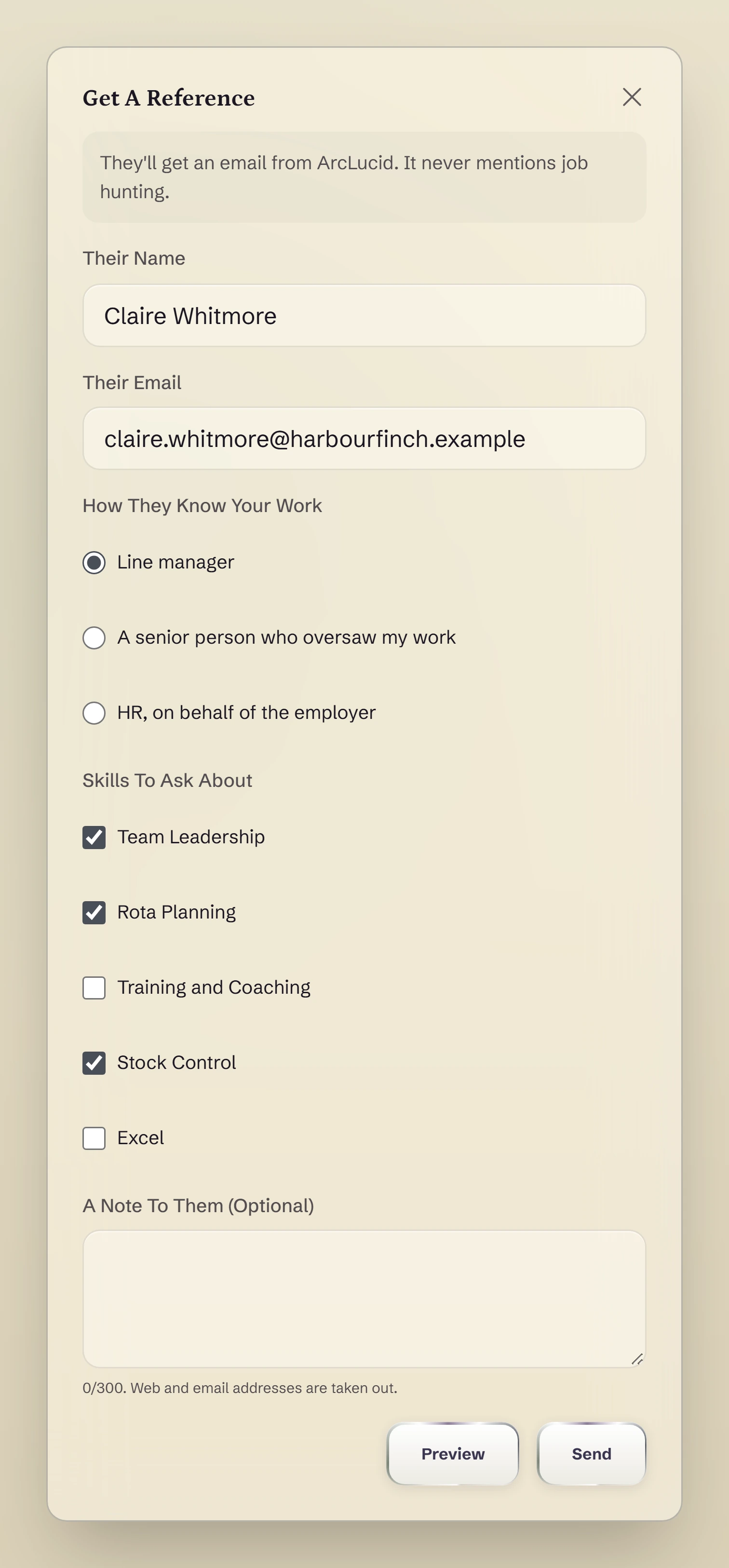
- Under a job in Overview, choose Get a reference, enter the person’s name and email, and tick the skills you want them asked about. A note of up to 300 characters is optional.
- Preview shows the exact page they will see before anything is sent.
- Who you can ask depends on the job. For a job or internship: a line manager, a senior person who oversaw your work, or HR on behalf of the employer. For freelance work: a client. For volunteering: a coordinator or organiser. For education: a tutor, lecturer or project supervisor, for skills only and never grades.
- Several people can back the same job. You can cancel a request that has not been answered, and one that is never answered lapses after 21 days.
- Your account email must be confirmed before your first request.
What the person you ask does
About three minutes, no account.
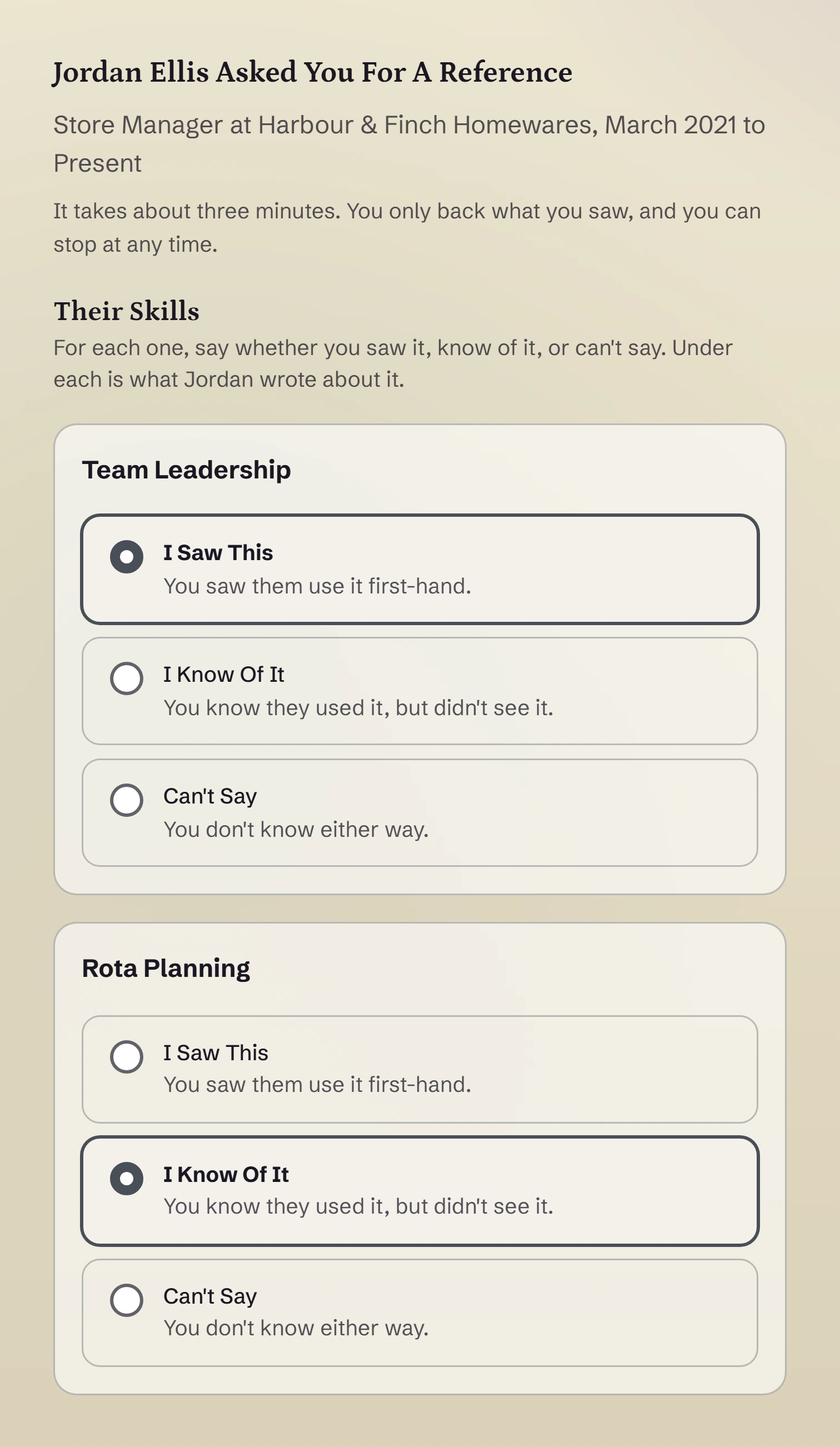
- They open the link in ArcLucid’s email and answer on a page. Nothing to sign up for.
- They confirm or correct the job title and dates, then choose, for each skill, I saw this, I know of it or Can’t say. They can add a few words of their own. A client confirms only the dates they worked together, never your job title.
- If their company only lets them confirm dates and title, they can do just that. They can also pass the request to their HR team, or decline. A client cannot pass a request to HR.
- They can sign in with a Microsoft or Google work account if they want to. That shows they control an account at their organisation’s domain, which is a different thing from showing who employs them.
What an employer sees and can check
Each reference is signed, and anyone can look it up.
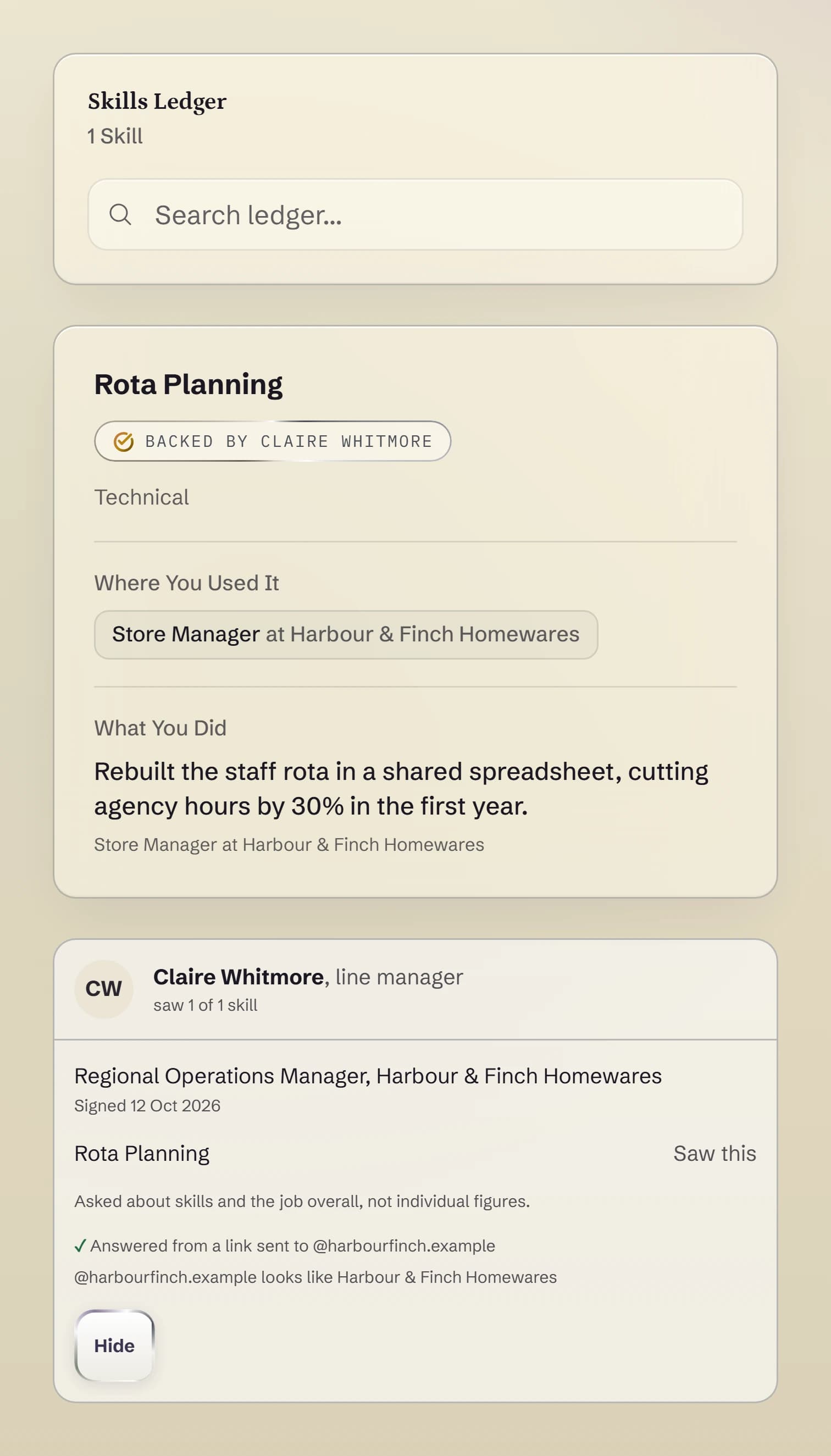
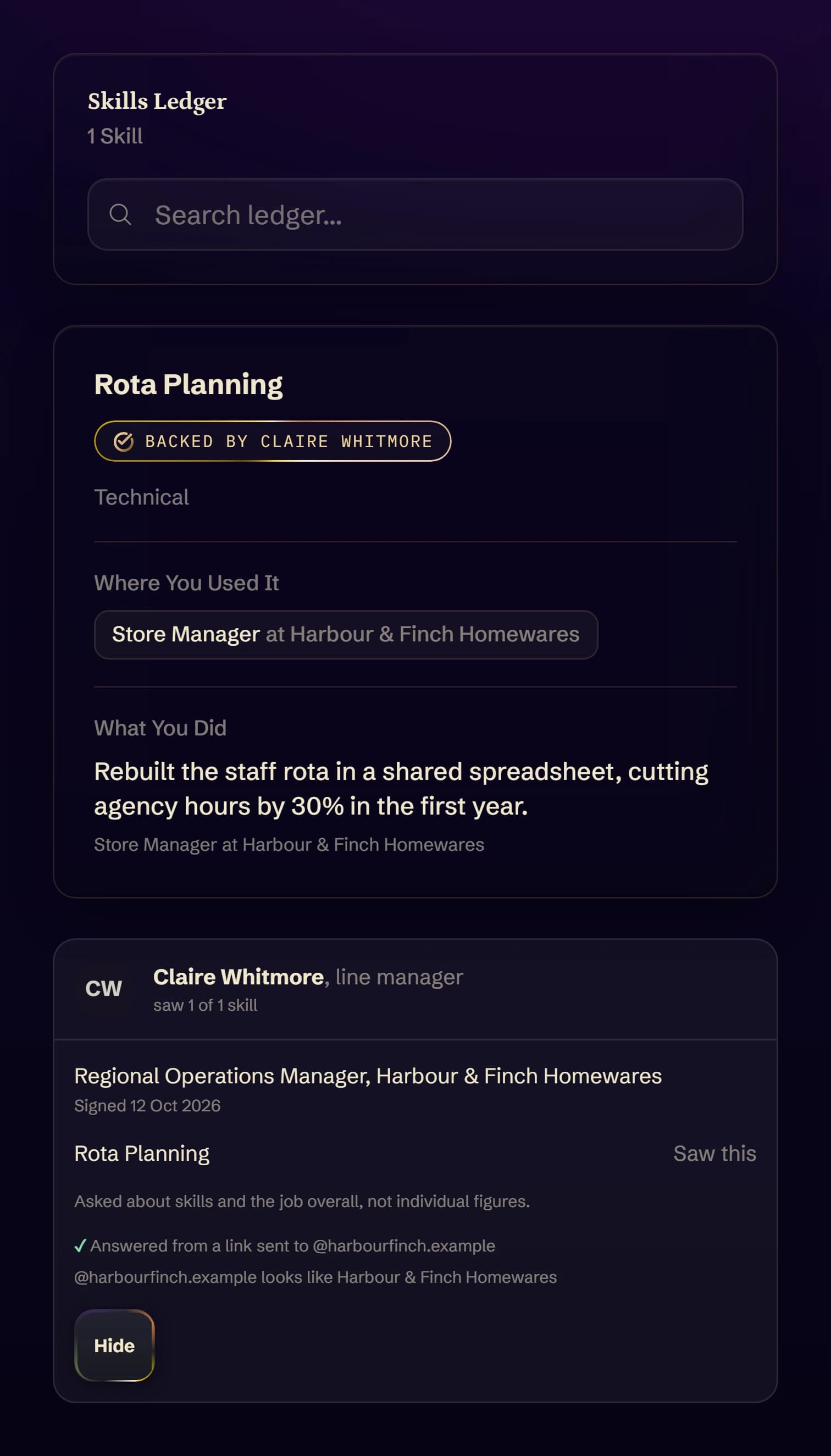
- On your Skills Ledger, a skill the person says they saw shows Backed by and their name, above System-linked and Self-Claimed. If they answered from a personal email, it says so.
- On a link you share, the summary shows only that a job has a reference, from a line manager for example. Names appear when the reader presses See The Work Behind It. Each reference is checked in the reader’s own browser against ArcLucid’s published signing key, and one that fails the check is not shown.
- On the CV file, a line under the job gives who backed it, their title and relationship, the month, where they answered from (a personal email, or the domain of their email or work sign-in), what they confirmed, the skills they saw, and Check: arclucid.net/r/ followed by a short code.
- That code opens a public page. It shows whether the signature is valid, who gave the reference, the job and dates they confirmed, each skill and how they answered, and whether the reference still stands. It never shows their own words.
- One line under each reference says what ArcLucid checked: the domain of their email, and whether they answered from a link sent to that address or after a work sign-in there. A tick means ArcLucid checked it. It says what we checked, not who answered.
- Reading one costs the employer nothing and needs no account.
You choose what shows, they choose whether to stand by it
Control sits on both sides.
- You can hide any reference. Hiding reaches every link you made earlier and the check page at once. You can never edit what someone said, and rewording or tailoring your CV never changes a reference.
- Their own words appear on a link you share unless you turn that off for that reference. The check page never shows them.
- The person can withdraw within 14 days, and the reference is then deleted. After that they can mark it as no longer accurate, choosing a reason from a short list. It stays, says so, and is no longer printed on new CVs.
- Anyone can tell ArcLucid not to email them again.
- If you delete every CV that holds it, or your account, the check code says the reference is no longer available.
Keep the letter you were already given
Add an old letter of recommendation.
- Upload a PDF, Word file or image under a job, read the text through, and keep it. We keep the letter’s text, not the file.
- It shows as a letter from its author, added by you, until the author confirms it. Until then it changes nothing in your Skills Ledger.
- You can ask the author one question: did you write this letter? If they say yes, the letter backs the job, shows the checks line and prints on your CV file.
What it will not do
- Let you write or edit a reference. You can hide one, never change it.
- Ask anyone you have not named. A recruiter or employer cannot request one.
- Back grades, certificates or licences. It backs a job and the skills used in it.
- Show that a person works where they say. A work sign-in shows they control an account at that domain.
- Write the reference for anyone. Vera can suggest who to ask and which jobs lack one, and she never drafts a reference or contacts anyone.
Questions
What does it cost?
Nothing to ask, to answer or to read. To keep the emails sensible, you can have 10 requests open at once and 5 emails a day, and one email address can back at most 10 different people in 30 days. Past the daily allowance a request waits and shows Sending tomorrow.
Can I ask the same person about the same skill twice?
No. A person is never asked twice about the same skill on the same job. If they decline, you cannot ask them again for 12 months.
How does anyone know it was really them?
ArcLucid does not claim to. Each reference carries a checks line saying what ArcLucid checked: their email’s domain, and whether they answered from a link sent to that address or after a work sign-in there. Anyone who could read that email could have answered it, and the line claims no more than that. A reference answered from a personal email says so on your Skills Ledger, your shared link and your CV file.
Does a reference settle the question?
No. It is a named person’s signed answer, dated, which a reader can check and which can later be withdrawn or marked no longer accurate. It improves a skill’s standing significantly, not absolutely.
Where did Peer-confirmed go?
It no longer exists as a level. A skill that was marked Peer-confirmed now shows as Self-Claimed until a real person backs it.
Apply where your work counts.
Start Free, No Card