The link opens on the summary, then shows the evidence.
Send a tailored CV as a file, or as a read-only link for each application. The evidence behind your skills travels with it.
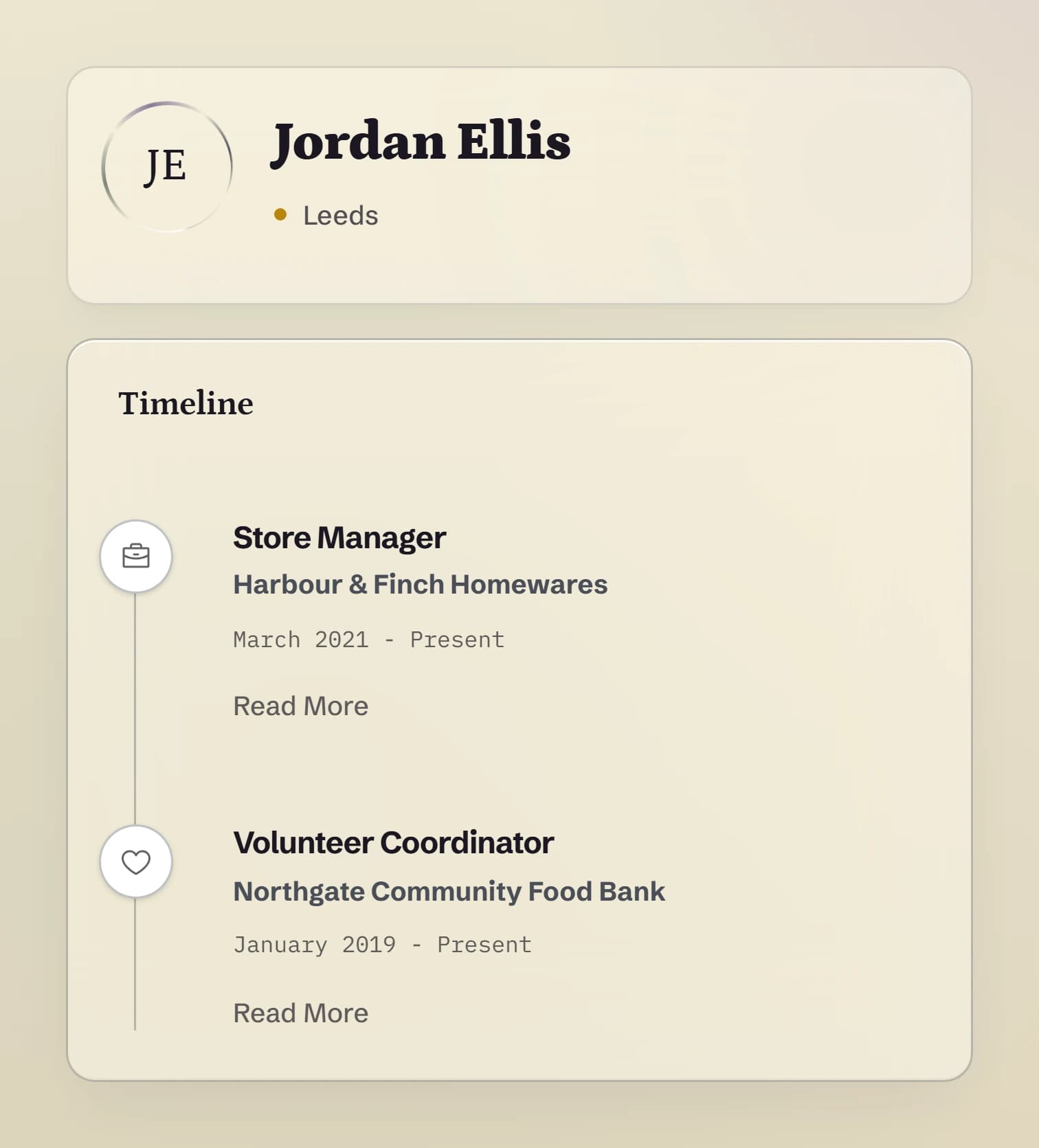
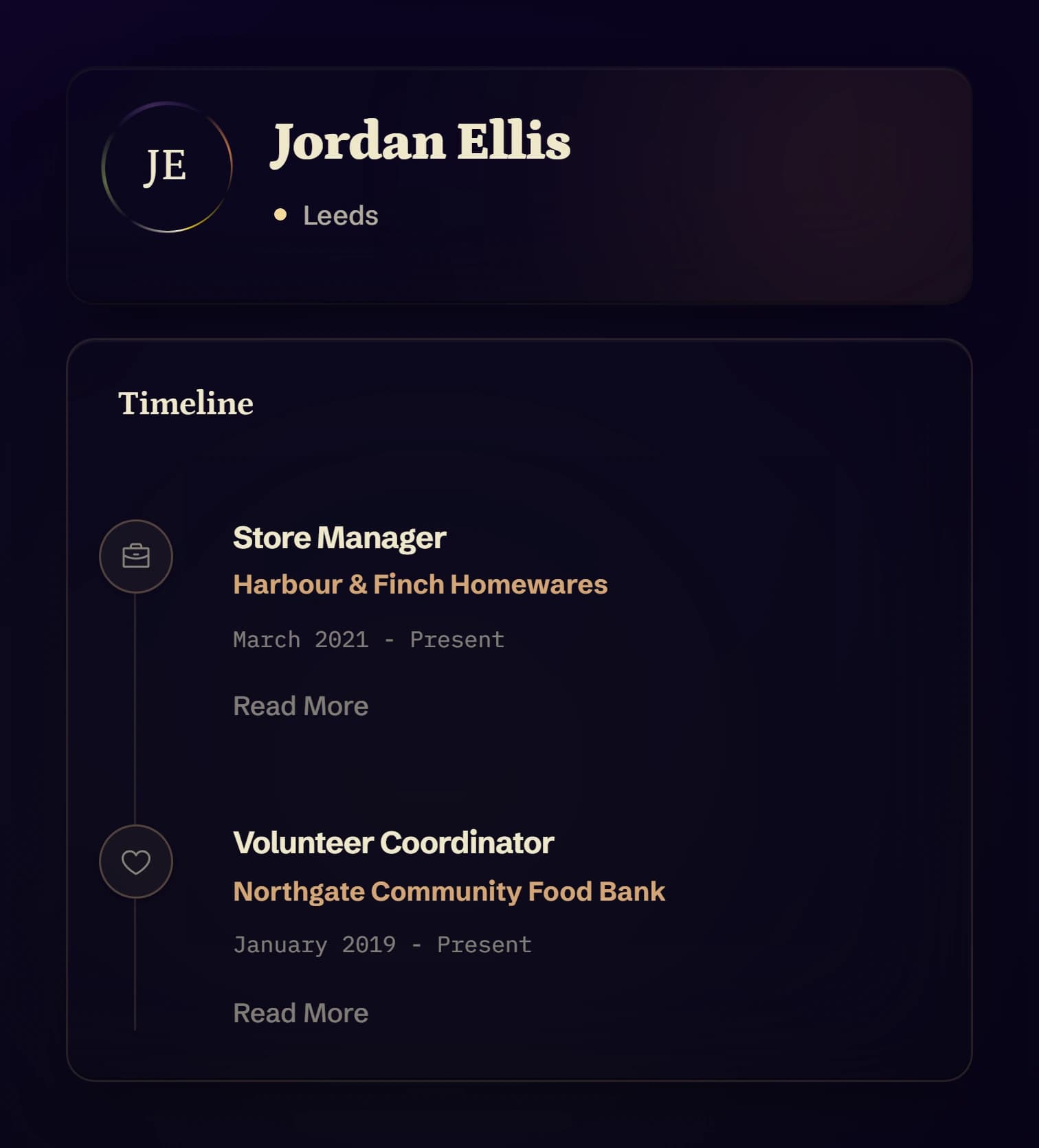
What a recruiter sees
A read-only page, no sign-in, not indexed by search engines.
- The link opens on a summary first: your roles on a timeline, newest first.
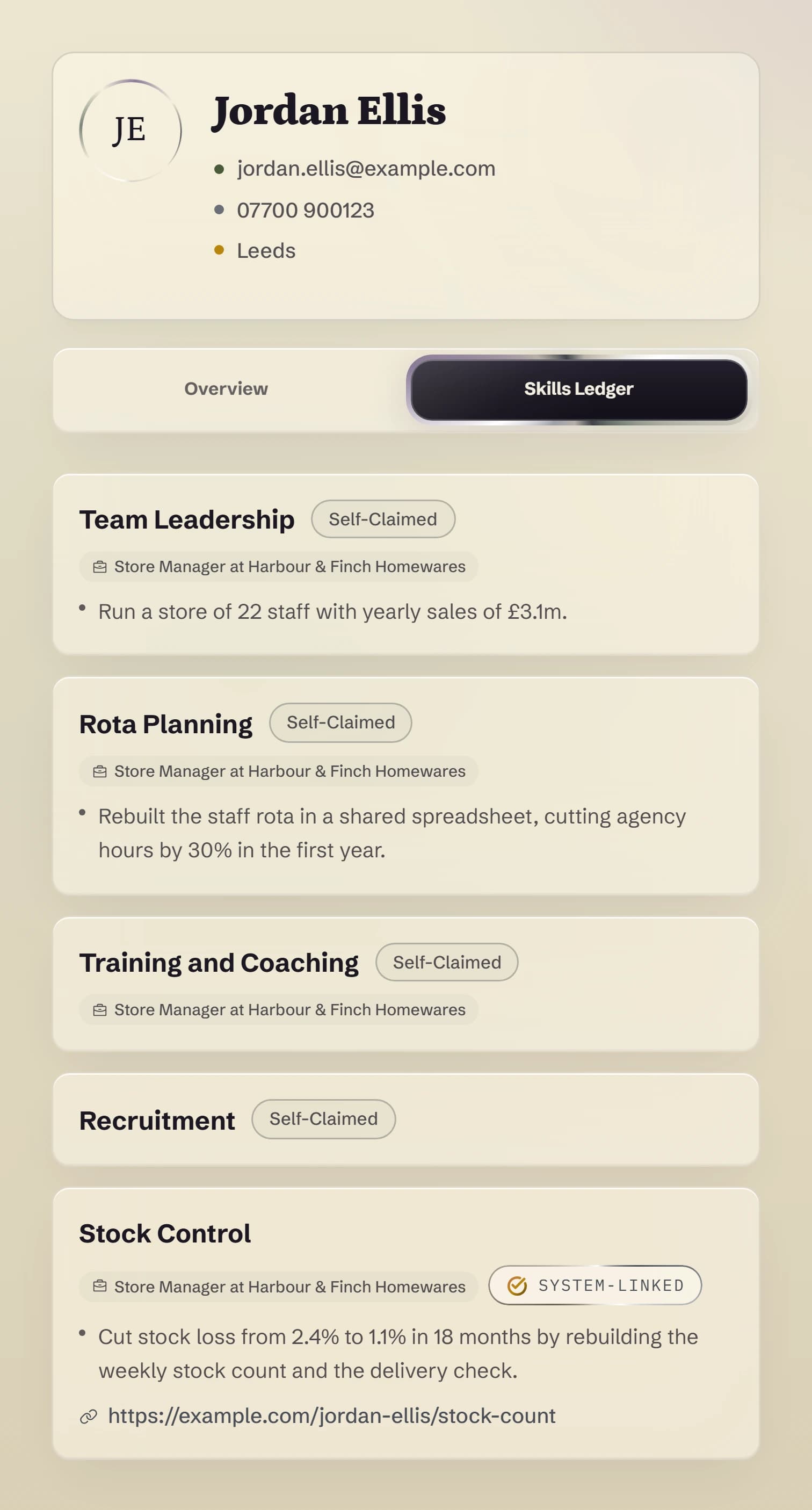
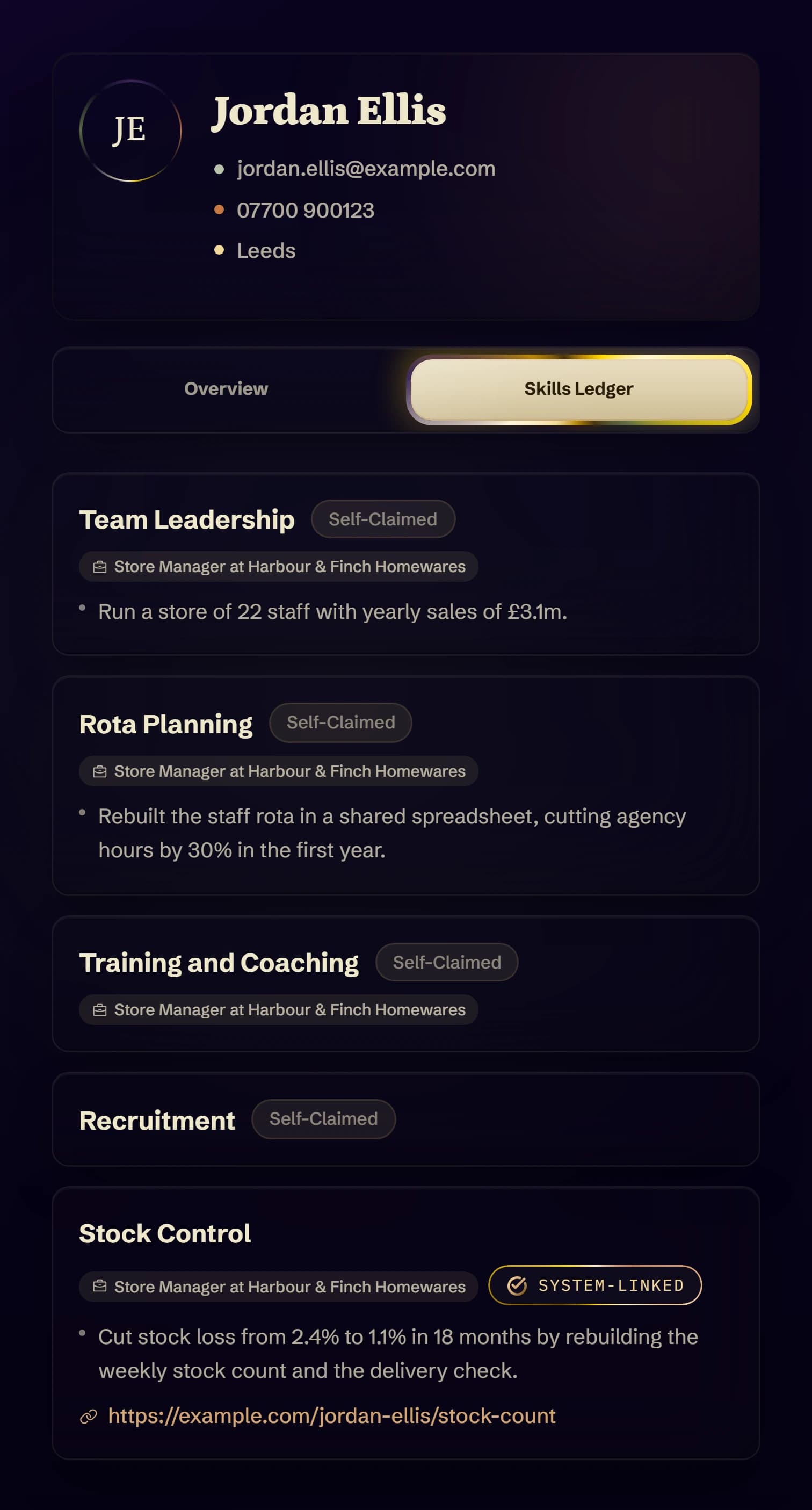
- See The Work Behind It opens full detail; a Skills Ledger tab shows each skill’s level, the roles it was used in, what you did and the evidence behind it.
- System-linked shows only on the job the evidence belongs to.
- A pasted link shows a preview card with your name and current role, or “Shared anonymously”.
A link for each application
Each one is its own snapshot.
- Make a new link per application, each frozen as it was, and see how many times each was opened.
- Revoke any link and the others stay as they are.
- Before you create one, you are told it freezes and exactly which details a recruiter sees after the summary if your identity is hidden.
An evidence-backed CV
PDF or Word, the same words in both.
- Each skill’s evidence prints as a clickable link under the job it belongs to, with its label. A standing reference you have not hidden prints there too: who backed it, their job title, the month, where they answered from (a personal email, or the domain of their email or work sign-in), what they confirmed, the skills they saw and a short code to check it at arclucid.net.
- The file lists only the skills this tailored CV lists.
- Add your newest live share link to the contact line, or leave it off.
Plain about what it hides
Hidden identity is not the same as secret.
- Name, email, phone and location are always on the file, and the form says so.
- On a hidden-identity link, anyone who presses See The Work Behind It sees your name, contact details and evidence links.
What it will not do
- Offer templates or layouts. There is one fixed A4 layout.
- Promise a file will pass any employer’s screening system. It says “ATS-ready”, and no more.
- Send your CV or apply for you.
- Update a link when your CV changes. Make a new one.
- Tell you who looked, only how many times a link was opened.
Questions
What does it cost?
Export, share links and viewing cost 0 credits. A PDF needs a confirmed email, is refused over 2MB, and is limited to 20 a day per person. Word is not capped.
How many links can I make?
Up to 10 live links per CV, and 60 creations an hour.
Is every role shown in full?
Each role in the file carries up to eight achievement bullets. The link’s summary shows the achievements you picked for each role, or the first three if you picked none, and the Overview shows more.
Apply where your work counts.
Start Free, No Card